
 By
By 

TikTok Privacy Made Easy: Staying Safe and In Control
Whether you’re new to TikTok or a regular user, protecting your privacy is essential. With a range of customizable settings and safety tools, TikTok allows users to stay in control and create a more positive, secure digital experience.
Here are eight essential tips to help you manage your account and enjoy content confidently.
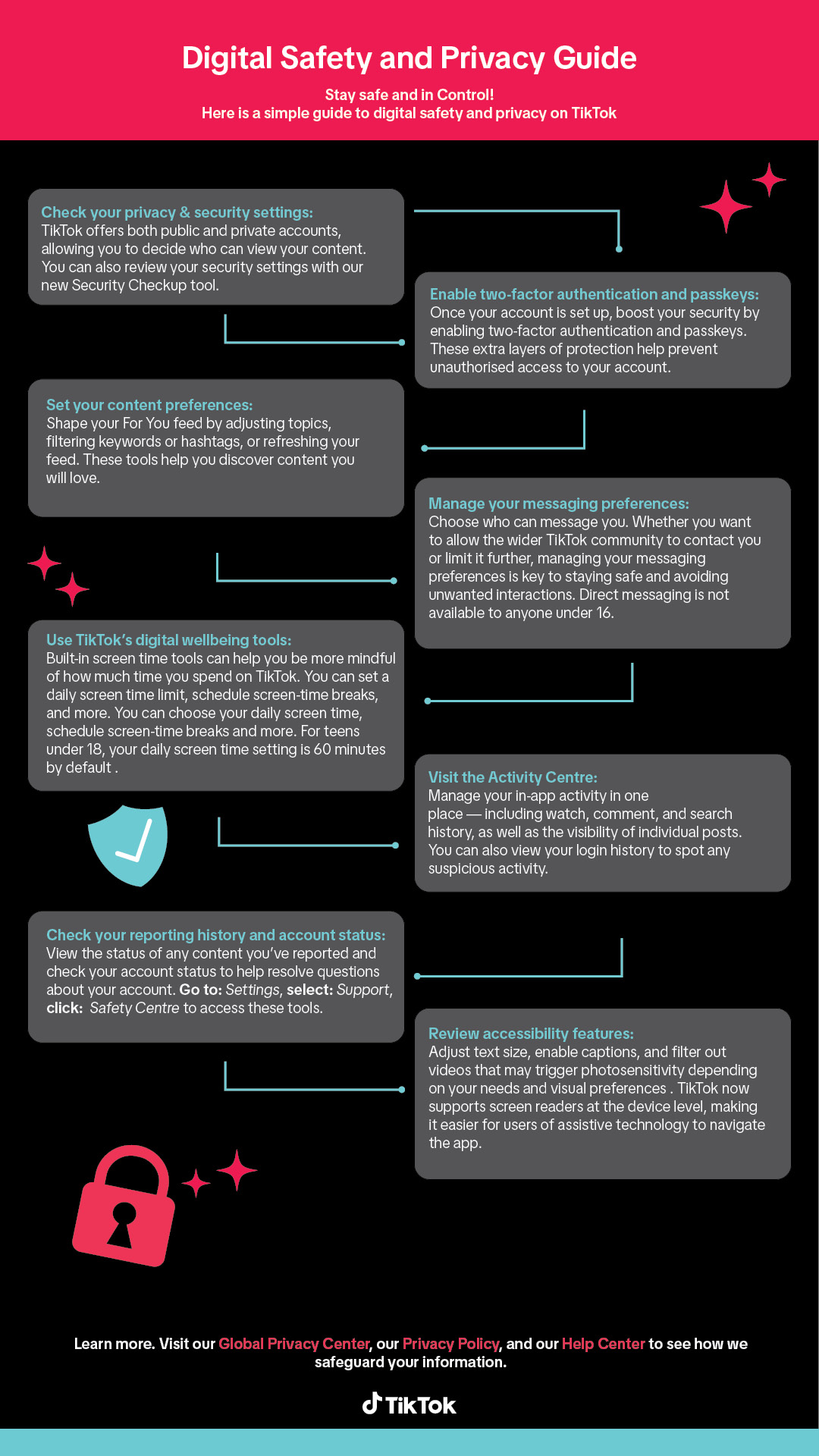
1. Check Your Privacy Settings
TikTok lets you choose between public and private accounts. You can also decide who sees your content and who interacts with you. Use the Security Checkup tool to review your settings and strengthen your account’s privacy.
2. Enable Two-Factor Authentication and Passkeys
Secure your account by turning on two-factor authentication and passkeys. These tools add extra layers of protection, reducing the risk of unauthorized access.
3. Set Your Content Preferences
You control what appears on your For You feed. Filter keywords, adjust topics, or refresh your feed to discover content that matches your interests. For guidance, check out TikTok’s Education Guide.
4. Manage Your Messaging Preferences
Choose who can message you — everyone, friends, or no one. Limiting direct messages helps reduce unwanted interactions. Note: Direct messaging is not available to users under 16.
TikTok Privacy Made Easy: Staying Safe and In Control
5. Use Digital Wellbeing Tools
TikTok’s built-in screen time tools help you manage how much time you spend on the app. Set daily limits or schedule breaks to stay mindful and in control.
6. Review Accessibility Features
Adjust text size, enable captions, and filter videos that may trigger photosensitivity. TikTok supports screen readers, improving accessibility for users with assistive needs.
7. Visit the Activity Centre
The Activity Centre lets you view and manage your watch history, comments, search history, and post visibility. You can also review login activity to spot any unusual behavior.
8. Monitor Reports and Account Status
Check the status of content you’ve reported and view your account health. Go to: Settings > Support > Safety Centre to track this information.

















Comments