
 By
By 

Essential Mobile Banking Security Tips: How to Keep Your Money Safe
The mobile phone has evolved far beyond a tool for calling and messaging. For many Kenyans, it is now the primary hub for checking balances, paying bills, sending money, managing their cards and accessing financial services.
Equity Bank has rolled out its digital banking platform to enable customers to access these services via the [Equity Mobile App], Equity Online for Individuals, and *247#. For instance, the app allows customers to manage their funds, transfer money, pay bills, control their cards and access loan services via mobile devices.
Banking now happens largely on a device you carry at all times, which makes securing it essential to protecting your money.
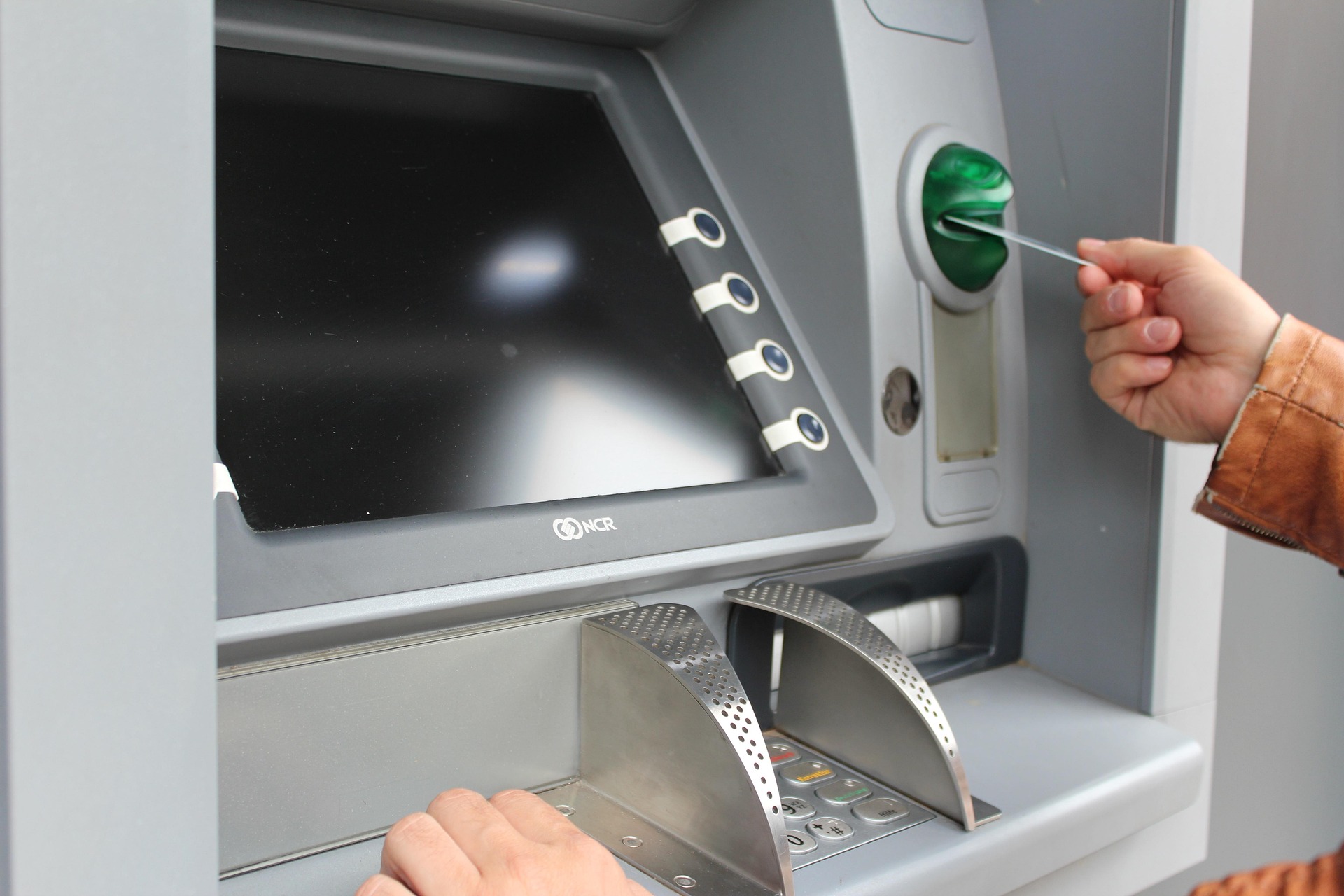
Essential Mobile Banking Security Tips: How to Keep Your Money Safe
Simple Steps to Secure Your Mobile Banking
Use a strong password or PIN
A strong password or PIN is the primary barrier protecting your financial information from unauthorized access. The first step to securing your banking experience is creating credentials that are difficult for third parties to guess.
Customers should avoid obvious combinations, such as year of birth, ID number, or simple sequences. Equity cautions customers not to use an easily guessed PIN and reminds them to keep PIN and codes confidential.
This applies to passwords, too. If a password is needed, make it hard to guess and avoid reusing it across other online platforms or applications.
Where possible use biometrics
Technology has also revolutionized the way that customers prove their identity.
Many modern devices no longer rely solely on passwords or PINs, offering fingerprints or facial recognition to verify user identity.
Biometric authentication is an additional form of identification used by a customer to access a device or digital service. It also streamlines secure access, eliminating the need to repeatedly type in passwords.
What matters is that it’s not a choice between convenience and security. When used correctly, biometric attributes can enable customers to access their digital services with an additional level of security.
Keep your banking app updated
It’s easy to overlook an update notification when things are running just fine.
However, updating your banking app and the device’s operating system are steps you can take to ensure you have a safe digital environment. Beyond new features and performance upgrades, software updates frequently include critical security patches.
Whether downloading the app for the first time or installing a routine update, customers are urged to use only official platforms like the Google Play Store or Apple App Store, rather than third-party or unknown sources.
Select a secure internet connection
The type of internet connection you use is critical when accessing financial services.
Equity recommends that its customers avoid mobile banking via public Wi-Fi.
For important financial data, a secure private Wi-Fi connection or mobile data is a much safer alternative to open public networks.
This is especially critical in public areas, where malicious actors connected to the same network could intercept sensitive data.
Protect Your Device and Banking Access
Your phone is an integral part of your financial security
The safety of your bank account is directly tied to the physical and digital security of your mobile device.
An unlocked phone that is shared or poorly secured may reveal more than photos and messages. It can also allow others to access your email, financial applications and other personal information.
Always use a screen lock and be mindful of who handles your device. If your phone, Equitel line, or Equity payment card is lost or stolen, act promptly by contacting Equity via [0763 000 000] so that measures can be taken to safeguard your accounts.
You can also file a report by sending a message to [333], a free Equity Bank fraud reporting line.
Leverage available security features
Secure digital banking doesn’t have to be complicated. It simply requires utilizing the built-in security features provided by your bank.
Equity’s digital banking platforms include tools that give customers greater control over their accounts and transactions. For instance, the Bank’s [Equity Online] service bundles device management features, whereas the [mobile application] offers transaction details and self-service capabilities.
Customers should treat security as part of their everyday banking habits, not a response reserved for after fraud or theft occurs.
While technology can offer some valuable layers of protection, customers have a part to play as well.
Easy practices, such as having strong credentials, enabling available biometric security, staying current with applications, selecting safer Internet connections and protecting the device itself, can help enhance the overall banking experience.
It’s about making digital banking easy for Equity customers, allowing customers to enjoy the convenience of banking from anywhere, while taking sensible steps to ensure their money stays secure.
Owning a smartphone provides access, but securing your finances requires vigilance. For more guidance on secure banking, visit: [Secure Banking Tips | Equity Bank Kenya] or call Equity via [0763 000 000].
Why this structure works
It gives Yoast two clear subheadings within the article, while the smaller bold points remain as your existing section labels. More importantly, the actual message stays intact rather than us rewriting it just to satisfy the SEO check.
You can read more related articles here


















Comments